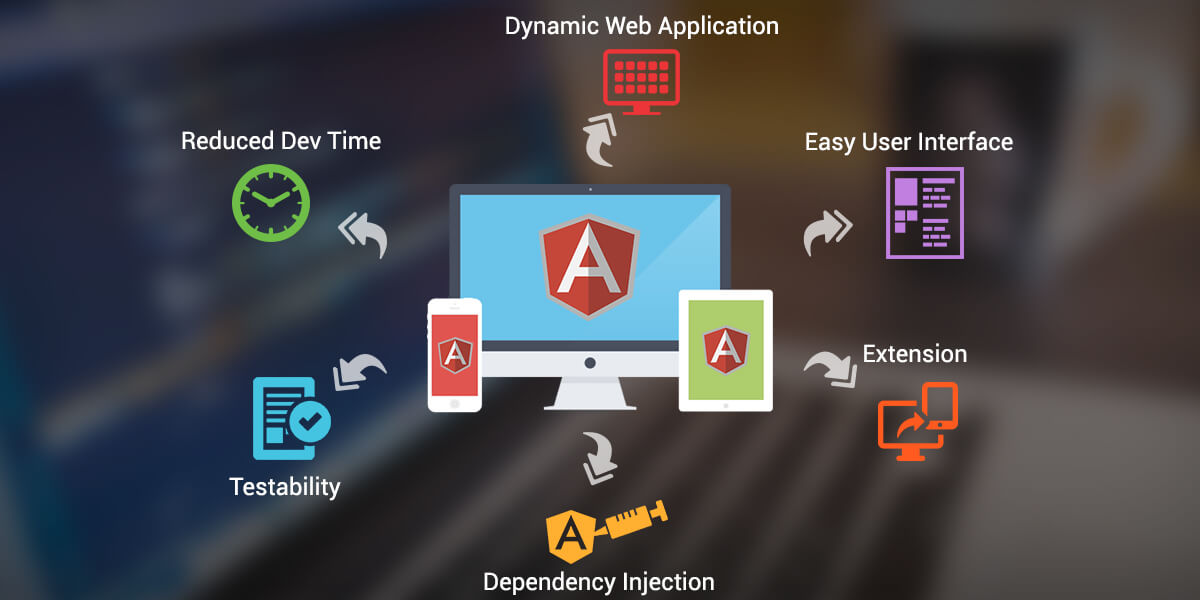
Getting Started with Angular: A Beginner's Guide to Building Dynamic Web Applications
Getting Started with Angular is an exciting journey for anyone looking to build dynamic web applications. Angular is a powerful front-end framework developed by Google that simplifies the process of creating single-page applications with a robust structure. To get started, you'll first need to set up your development environment. Begin by installing Node.js, which allows you to run Angular applications locally. Once you have Node.js installed, you can use the Angular CLI (Command Line Interface) to create a new project. Simply open your terminal and run npm install -g @angular/cli, followed by ng new my-app to scaffold your application.
With your application set up, it’s time to dive into the core components of Angular. The component architecture is central to Angular's functionality; each component controls a part of the user interface and manages its data. Learn how to create components using the Angular CLI, as well as how to bind data with two-way data binding. Additionally, explore other essential features, such as directives, which allow you to extend HTML with custom attributes, and services for robust data handling. By mastering these concepts, you'll be well on your way to building dynamic and responsive web applications.
Top 10 Angular Best Practices for Code Optimization and Performance
When developing applications with Angular, following the best practices for code optimization and performance is crucial for creating a responsive and efficient user experience. Here are the top 10 Angular best practices to keep in mind:
- Utilize Lazy Loading: Implement lazy loading for modules to decrease initial load time by breaking your application into smaller bundles.
- OnPush Change Detection: Use the OnPush change detection strategy to minimize the frequency of UI checks and improve performance.
- Minimize Template Expressions: Avoid complex expressions in templates to reduce the amount of work Angular has to perform during change detection.
- Track By in NgFor: Use the trackBy function in *ngFor to optimize rendering by maintaining the identity of objects in lists.
- Optimize Angular Pipe: Create pure pipes that only recalculate their output when their input changes, thus improving rendering performance.
Additionally, a clear project structure and efficient coding practices can greatly contribute to the overall performance of your Angular applications. Implement the following practices:
- Reduce Component Complexity: Break down large components into smaller, reusable components to improve readability and manageability.
- Use AOT Compilation: Leverage Angular’s Ahead-of-Time (AOT) compilation to reduce the bundle size and enhance application load speed.
- Service Worker for Caching: Implement service workers to cache requests and serve files faster, especially for offline scenarios.
- Monitor Performance: Regularly use tools such as Augury or Angular profiler to analyze performance and address any bottlenecks.
- Keep Dependencies Updated: Regularly update Angular and its dependencies to benefit from performance improvements and security patches.
How to Build a Successful Angular Project: Key Features and Tools You Need
Building a successful Angular project requires careful planning and implementation of key features. First and foremost, it's essential to understand the architecture of Angular. This framework is built around the concept of components, which encapsulate the functionality and appearance of various parts of your application. Not only do these components promote reusability, but they also enhance modularity. To ensure a smooth development process, consider using tools like the Angular CLI for scaffolding and managing your project efficiently. Additionally, employing state management solutions like NgRx or Akita can help you manage complex data flows seamlessly.
Another critical aspect of your Angular project is the integration of essential tools that streamline both development and testing. Utilizing Angular Material can significantly improve the user interface with pre-built UI components that adhere to Material Design principles. For testing, tools like Jasmine and Karma allow you to write unit tests and run them in an automated fashion. Moreover, code quality is paramount; incorporating tools like ESLint or Prettier can help maintain a clean and consistent codebase. By focusing on these key features and utilizing the right tools, you can elevate your Angular project and contribute to its long-term success.